Knowledge base Models and credits
Models and routing
Two ways to get an answer: let Nymbot choose the model, or choose it yourself.
Standard: auto-routed
On the standard tier your message is classified first — is this a question, a translation, something creative, something that needs current information — and routed to a model suited to it. A quick factual answer does not pay for a reasoning model, and a hard one is not answered by a fast one.
Questions that depend on current information trigger a web search before the answer is written, and the sources are listed underneath it.
This is the cheap, sensible default. Most conversations never need anything else.
Pro: pin a model
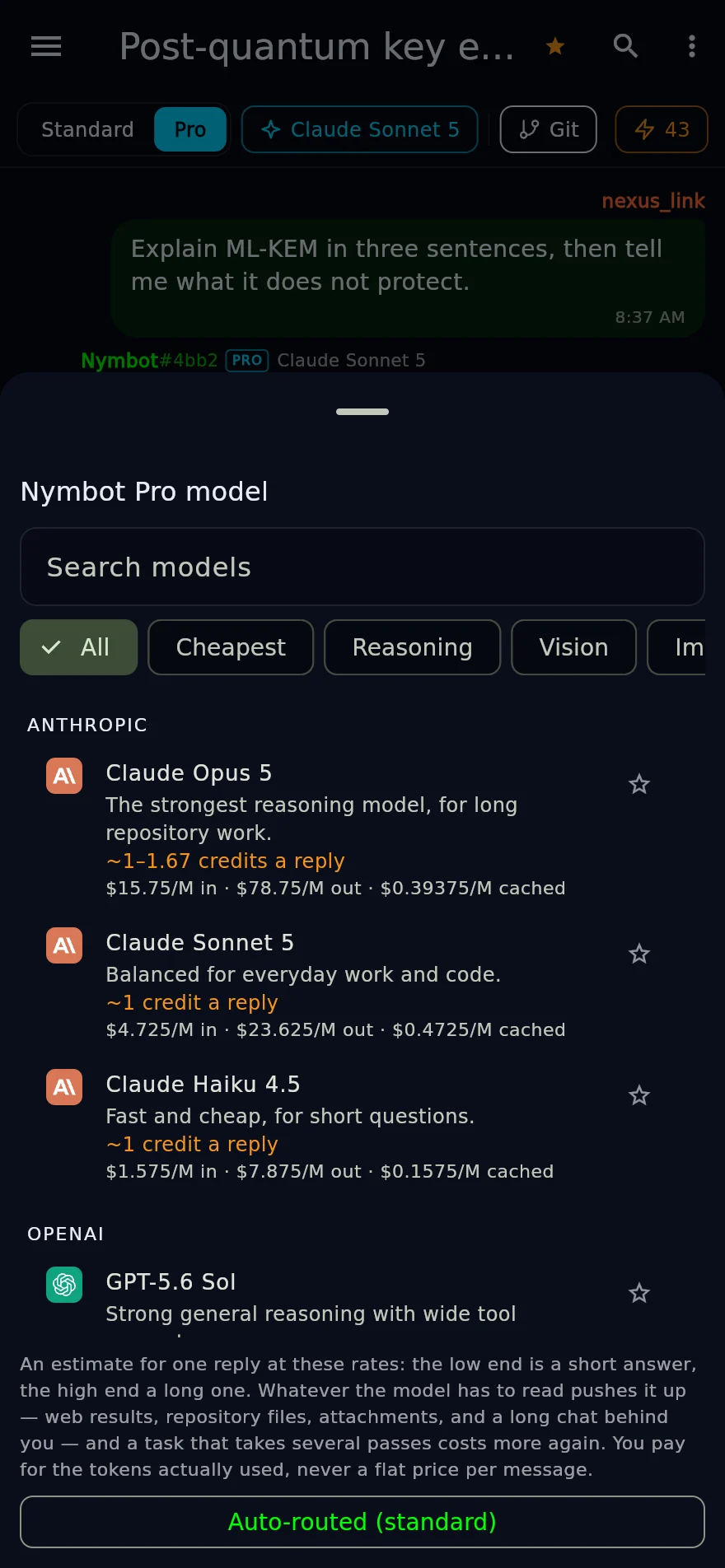
?model <name>, or the model chip in the toolbar, pins every reply in the
conversation to one specific frontier model. ?model off returns you to standard
routing.
Pin one when you want a particular model's judgment, when you are working in a repository — which needs Pro — or when you want the same model's voice across a long piece of work.
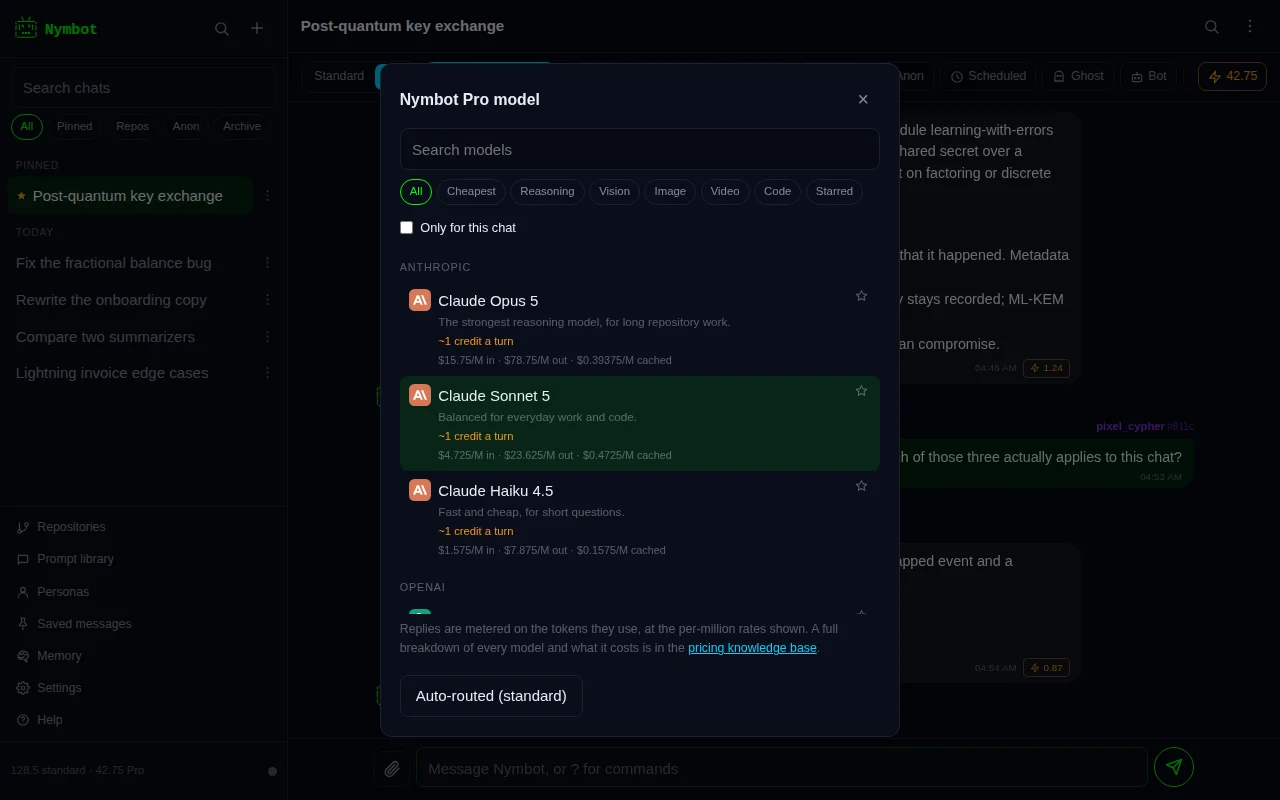
Currently available: Claude Fable 5, Claude Opus 5, Claude Sonnet 5, Claude Haiku 4.5, GPT-5.6 Sol, GPT-5.4 mini, Gemini 3.1 Pro, Gemini 3.6 Flash, Grok 4.6, Kimi K3, Qwen 3.5 and MiniMax M3.
Asking one model with @
Start a message with @ and a model's name, as in
@opus is this proof right?, and that model answers that one message. Typing
@ opens a list of models to pick from. The chat's own model stays as it was,
so the next message goes back to it.
A mentioned model is a Pro model, so the answer is paid from your Pro balance, and the composer says which model will answer and from which balance before you send. If your Pro balance is empty, it says so and sends nothing.
Add ! to ask without the chat's history, as either !@opus or
@opus !. A name that matches no model is sent as ordinary text, with a note
saying so.
The model catalog
The picker is generated from a live catalog rather than hard-coded, so the list you see is exactly what the server will accept and charge for. Each entry carries its base price, its maximum, its context window, and whether it can see images, reason visibly or call tools.
Models badged as hosted are run on the same infrastructure as the rest of the service and do not depend on an upstream provider being reachable. The others are proxied.
The catalog moves as models are released and retired. A model you pinned that has since gone away falls back to standard routing rather than failing, and tells you.
The same catalog is served to programs by the Nymbot API, with each model's id and prices — see listing models.
Asking it to think harder
The Effort chip on a Pro chat says how much work each reply is worth, and
?effort sets it by name.
- Normal — one pass. The default.
- Careful — the model plans the answer before writing it: what is actually being asked, what it depends on, what would make an obvious answer wrong. You never see the plan; you see what it produced.
- Deep — it also reads its own answer back against the question and corrects it before you see it.
Each step is another model call, so a careful reply costs roughly twice a normal one and a deep reply roughly three times. The toolbar shows the range before you send, and the reservation covers every pass the level could take — only what was actually used is charged.
A repo task ignores the setting. It already runs the model in a loop on a budget of its own, and stacking a second budget on top of it would only make the price harder to predict.
Reasoning and vision
When a model shows its chain of thought — the standard tier's reasoning route, or a Pro model that exposes it — the reply carries a collapsed 💭 Reasoning section above the answer. Tap to read it; it is not charged separately from the reply it belongs to.
Every Claude, GPT, Gemini, Grok and Kimi Pro model can see images, as can the creative and translation routes on standard. Attach a picture, or put its link in your message, and ask about it — see sending pictures.