Knowledge base Chatting
Artifacts and comparing models
Long code and documents belong beside the conversation rather than scrolling away inside it — and sometimes the fastest way to a good answer is to ask twice.
What is an artifact
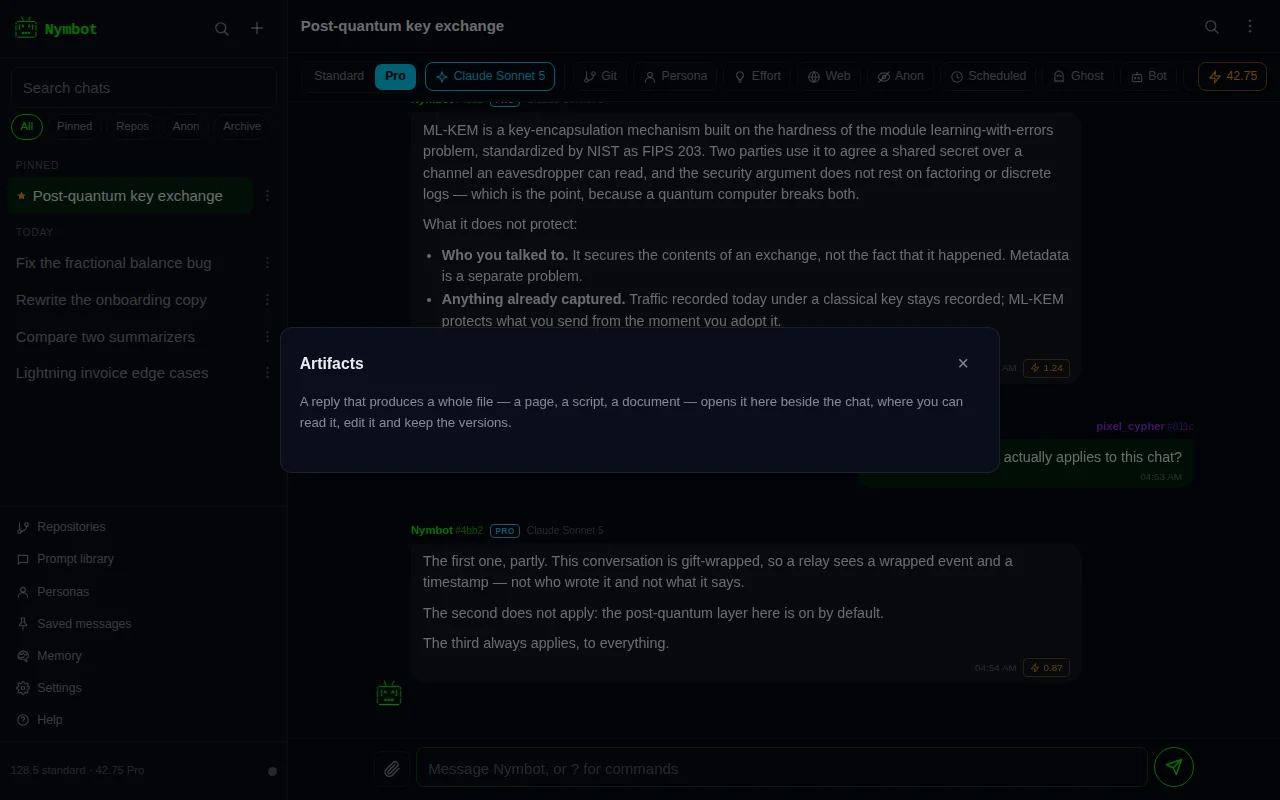
When a reply contains a whole file — a page, a script, a document — Nymbot lifts it out of the message and opens it beside the conversation instead of leaving it to scroll away. On a wide screen it is a panel next to the chat; on a phone it is the screen, one tap back to where you were.
HTML, SVG and Markdown preview as themselves. Everything else opens as highlighted source. A preview runs in a sandboxed frame with no access to the app around it, so a page a model wrote cannot reach your conversations, your keys or your credits.
Short snippets stay in the message. Something is only lifted out when it is long enough to be worth a panel of its own.
Editing and versions
An artifact is editable in place. Every save is kept, so you can read what changed and put an earlier draft back. If a later reply rewrites the same file, it becomes the next version of the artifact you already have rather than a second copy of it — one file, one history.
Artifacts live on the device with the conversation they came from, are deleted with it, and are never uploaded anywhere, except to be converted when you download one as a PDF or DOCX. In a ghost chat they are held in memory only, like the rest of that chat.
Files a reply makes
Ask for a file and Nymbot makes one: “put that in a PDF”, “export this table to Excel”, “give me the plan as a Word document”. It can make PDF, Word (DOCX), Excel (XLSX), CSV, Markdown, plain text, HTML and JSON files, or a ZIP of several. This works on every model, standard routing included.
The file arrives under the reply as a card with its name, type and size. Download saves it under its own name; Open shows a PDF or a text file in a new tab. An HTML file is only ever downloaded, never opened inside the app. In the apps for iOS and Android, Download hands the file to the share sheet, where you can save it or send it on.
Files are hosted the way pictures Nymbot makes are: on the same public media hosts, each uploaded under a fresh throwaway key so the uploads cannot be tied to one another, with the link carried inside your end-to-end encrypted chat. Anyone holding that link can download the file, and the host can read it, so keep secrets out of files you ask for. A file follows its chat: it is synced, kept and deleted with the conversation, and later replies can still see what an earlier file was made from, so “now make that a DOCX” works.
Up to 5 files a reply and 5 MB a file. PDF text covers Latin, Greek and Cyrillic scripts; for Chinese, Japanese, Korean, Arabic, Hebrew or emoji ask for DOCX, HTML or Markdown, which keep every character. Making a file costs nothing beyond the reply itself.
Any artifact can also be downloaded as a PDF or a DOCX from its panel. Nymbot’s server converts it and sends the file straight back; nothing is stored or uploaded.
Asking two models at once
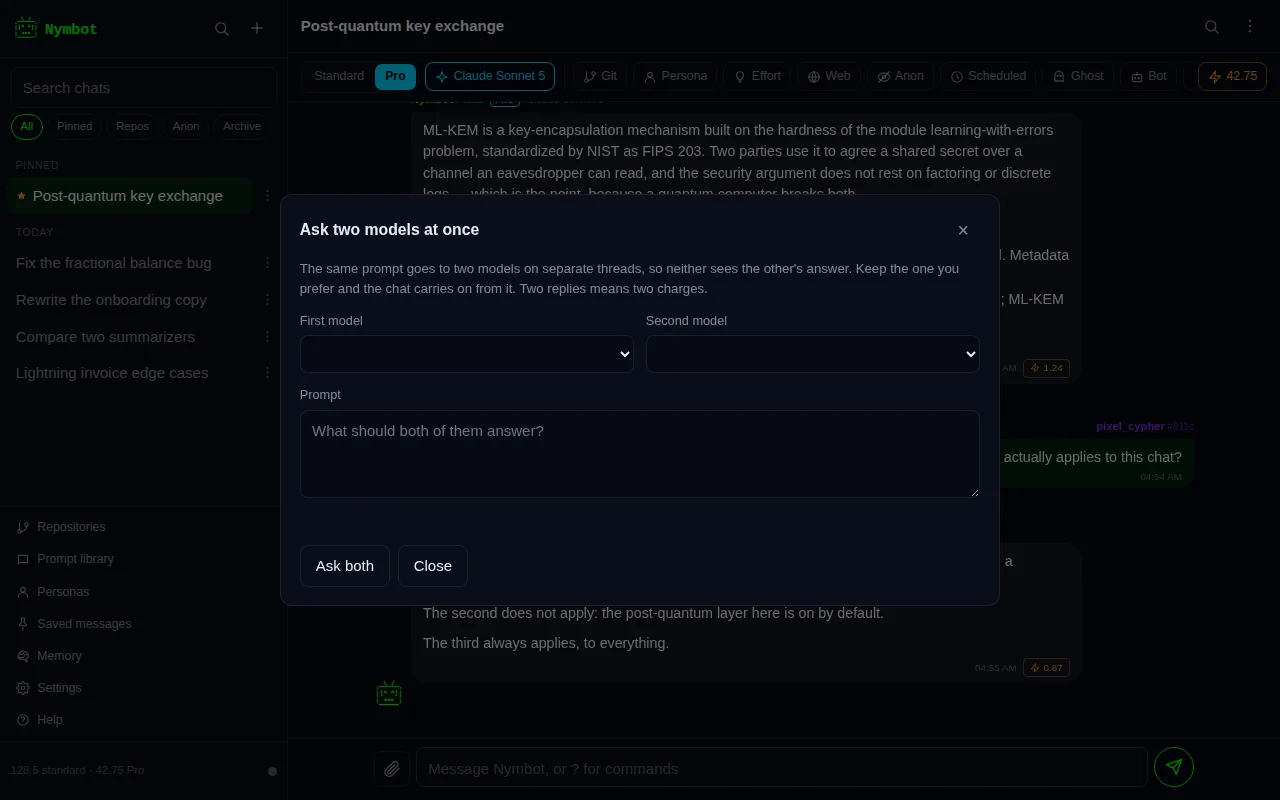
Compare sends one prompt to two models at the same time. Each answers on a thread of its own, seeded with the last few turns of the conversation, so neither model sees what the other said and your chat is untouched until you choose.
Keep the answer you prefer and it is folded into the conversation with the question that produced it; the chat then carries on from that point. The answer you did not keep is discarded and never becomes context.
Two answers means two replies, so a comparison is charged twice. The confirmation says what it will cost before either model is asked.
Citations and patches
When a reply searches the web, what it read is listed underneath as citation cards: the title, the site it came from and the passage it drew on, each one a link you can follow and check. The little mark beside each source is a drawn letter, not a fetched favicon, so reading a citation does not tell the site you read it.
When a reply produces a patch, it is rendered as a patch: one panel per file, headed with the path and how many lines it adds and removes, with old and new line numbers down the side. Long diffs across several files stay legible instead of arriving as one wall of green and red.